
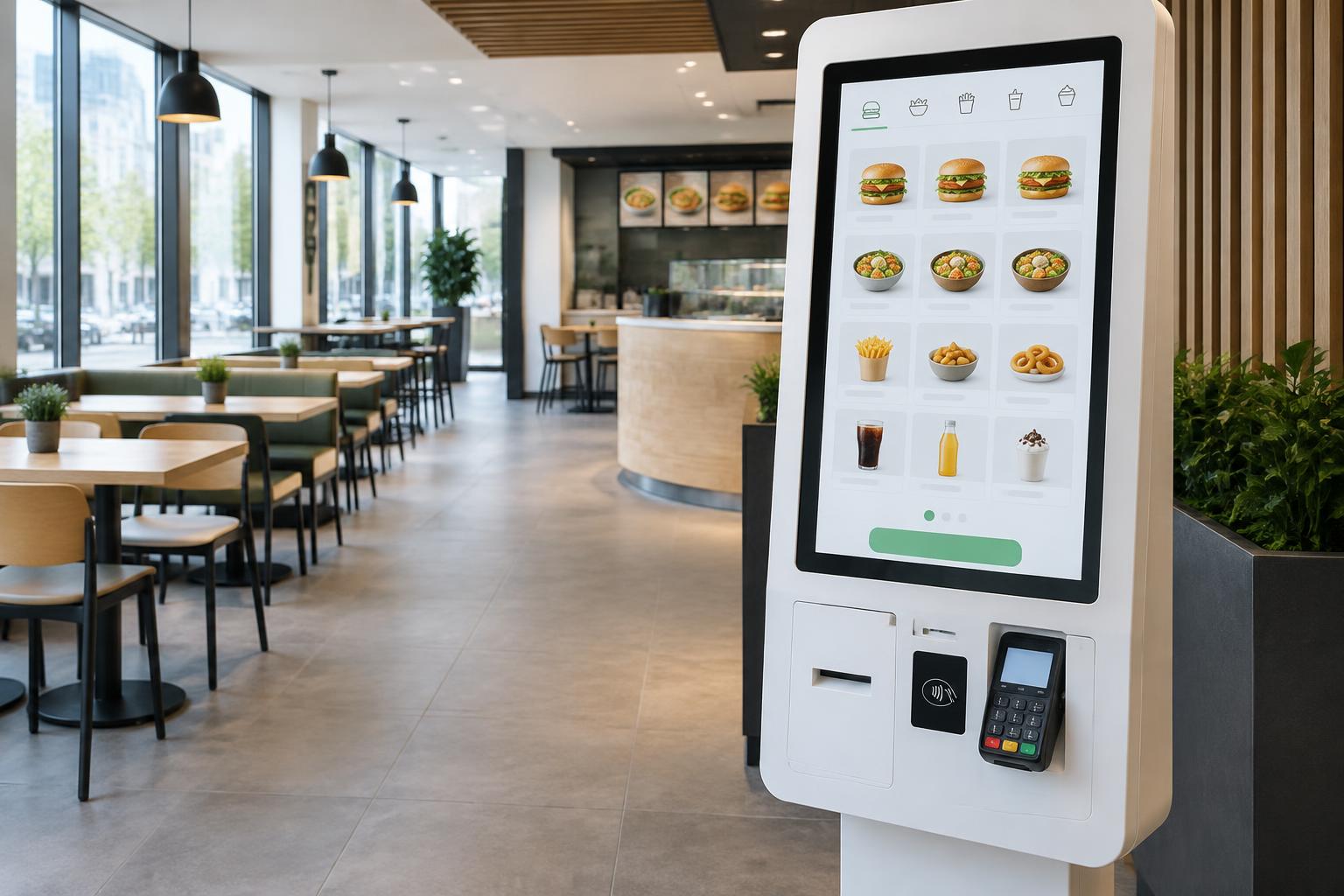
Restaurants & quick service
Self-ordering kiosks for restaurants
Let guests choose, customise and pay for their order at their own pace. An additional ordering channel helps organise service during busy periods.
Discuss your projectThe practical challenge
A clearer process from the first step.
The counter handles menu questions, orders and payments at once. A kiosk can take care of routine steps while the team focuses on preparation and personal service.
Typical applications
Quick-service restaurants, cafés, restaurants and food courts.
Benefits
Better for customers. More efficient for business.
Less waiting
Additional service points help distribute customer traffic more effectively.
Streamlined processes
Routine steps can be automated, leaving more time for personal attention.
A better customer experience
A clear interface lets customers choose products and services at their own pace.
Flexible configurations
Displays, peripherals and software connections matched to the project.
The customer journey
Every step matters.
- 01
Choose
- 02
Customise
- 03
Confirm
- 04
Pay
- 05
Collect
Functional possibilities
Configured around your workflow.
- Digital menu and categories
- Sizes, extras and modifiers
- Meal combinations
- Payment and order number
- POS and kitchen display handoff
Hardware and peripherals
A touch display, computing platform and enclosure suited to the installation. Payment devices, scanners, printers and readers are added where the workflow and compatibility require them.
Explore kiosk formatsSoftware and integration
POS and KDS connections require supported interfaces and an agreed order format. Fiscal receipts, cancellations and failed payment handling need to be specified before deployment.
Questions & answers
Before we begin.
Which functions suit this sector?
Digital menu and categories. Sizes, extras and modifiers. The exact scope is defined after workflow analysis.
Can it connect to existing software?
POS and KDS connections require supported interfaces and an agreed order format. Fiscal receipts, cancellations and failed payment handling need to be specified before deployment.
What is needed for a quote?
Installation location, expected traffic, desired functions and existing systems. Include any payment, printing or identification requirements.
Enquire about this solution
Your next project
Ready for smarter self-service?
Tell us about the processes you want to improve. We can discuss suitable hardware, functionality and integration options.